Turn every lead into a real conversation.
WorkforceSync runs inbound and outbound calls like an execution engine. It qualifies, routes, schedules, and writes back clean outcomes to your CRM.
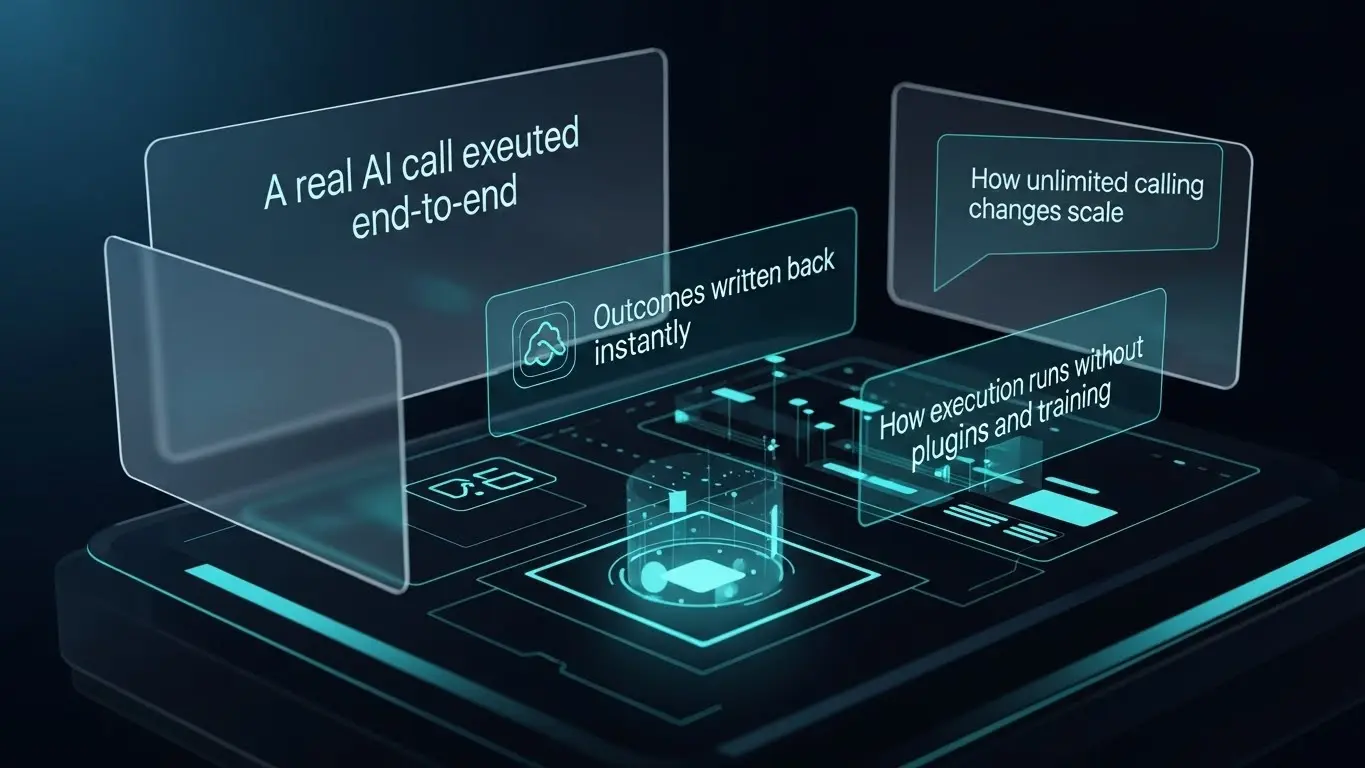
Why execution wins
CRMs capture leads. Revenue depends on what happens next: calls, follow-ups, booking, and documentation. WorkforceSync automates that execution.
Missed inbound = lost revenue
Inbound calls get missed or routed late when teams are busy.
Follow-up depends on humans
Reminders, bandwidth, and inconsistency kill conversion.
CRM notes are messy
Notes arrive late or never. Outcomes become guesswork.
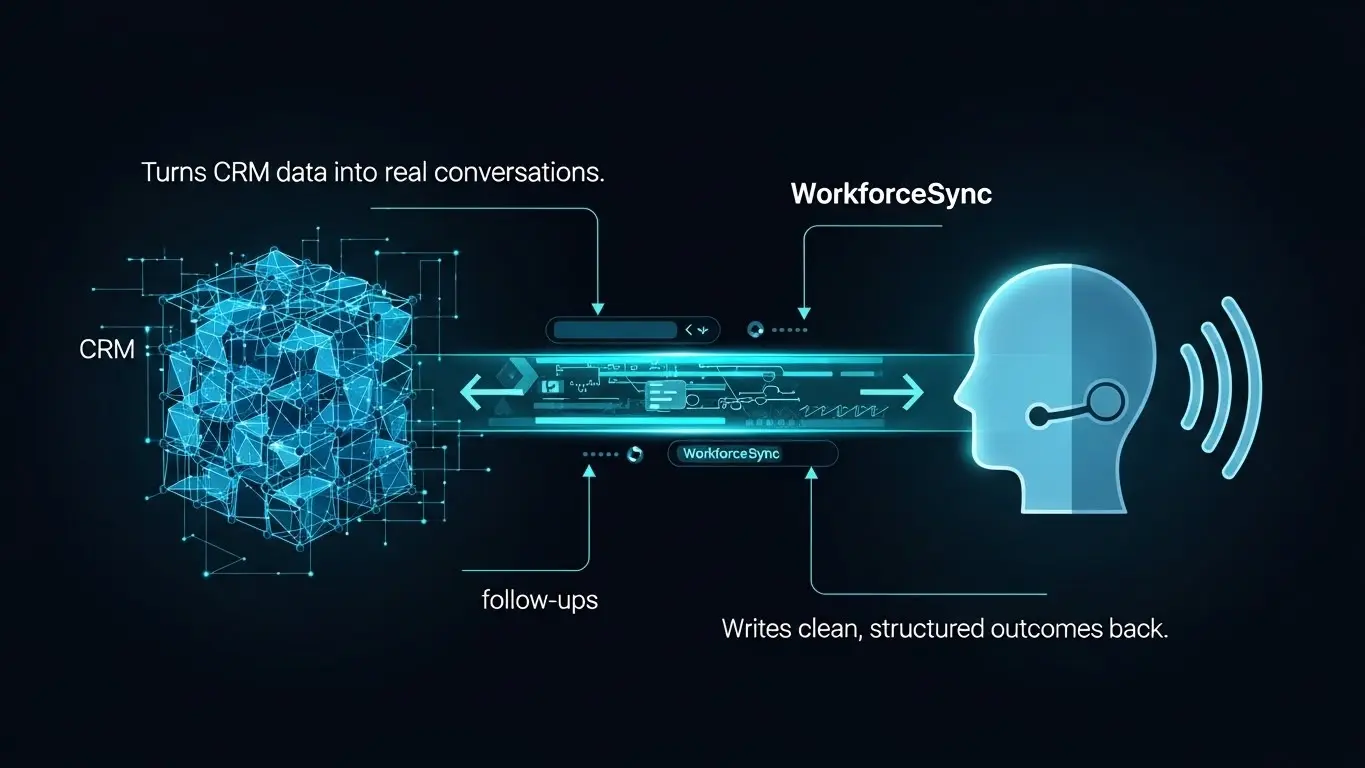
What you remove
Once execution is automated, these problems stop existing.
- ✕Manual dialing and repeated follow-ups
- ✕Missed inbound calls and “call back later” loops
- ✕Per-minute billing stress and unpredictable invoices
- ✕Messy CRM notes and missing dispositions
- ✕No-show losses and silent leads
- ✕Guessing what actually happened on calls
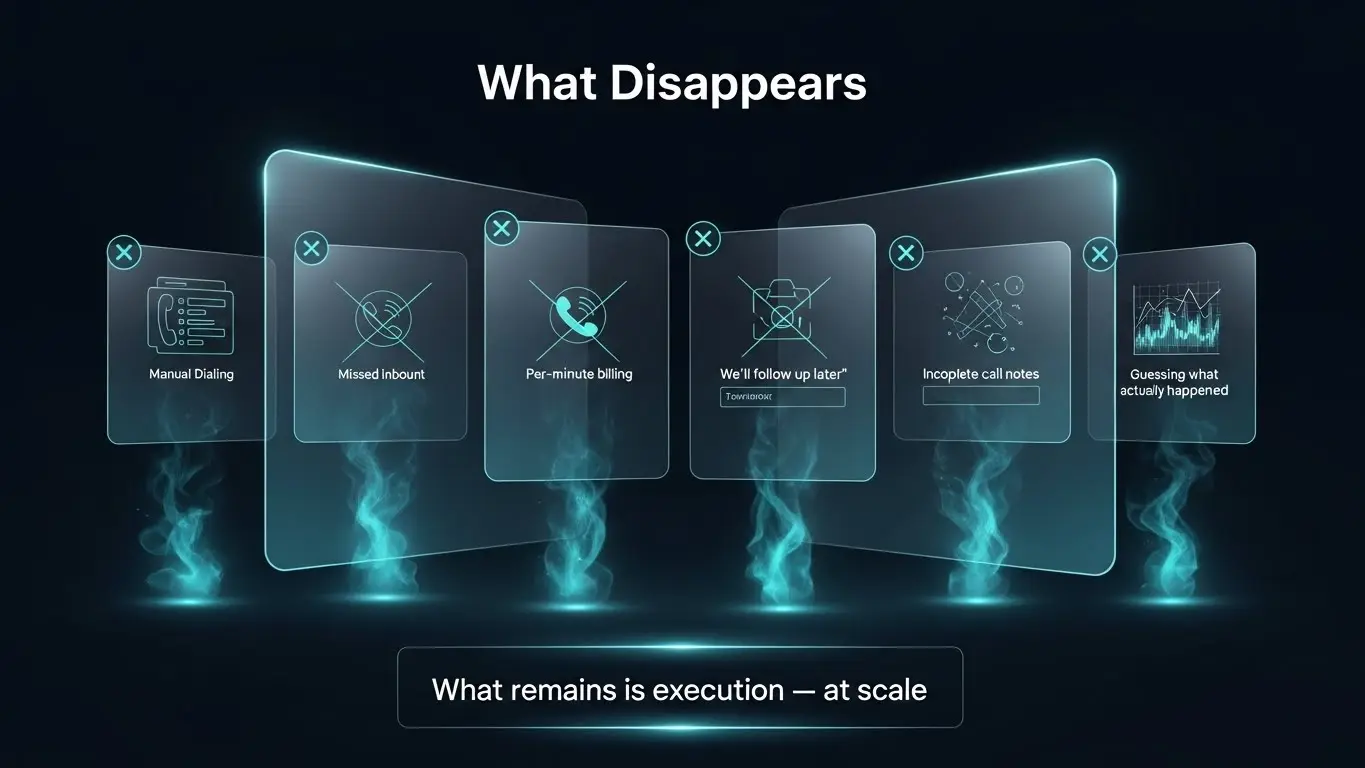
The flow in 30 seconds
Pick a workflow. WorkforceSync executes it. Your CRM updates itself.
Choose the trigger
New leads, stage changes, missed calls, no-shows, or schedules.
Run conversations
Inbound + outbound execution: qualify, route, schedule, confirm.
Standardize outcomes
Disposition, summary, and next action — consistent every time.
Write back cleanly
Notes + outcomes log automatically into your CRM — instantly.
Core capabilities
Not assistance. Real execution that writes outcomes back automatically.
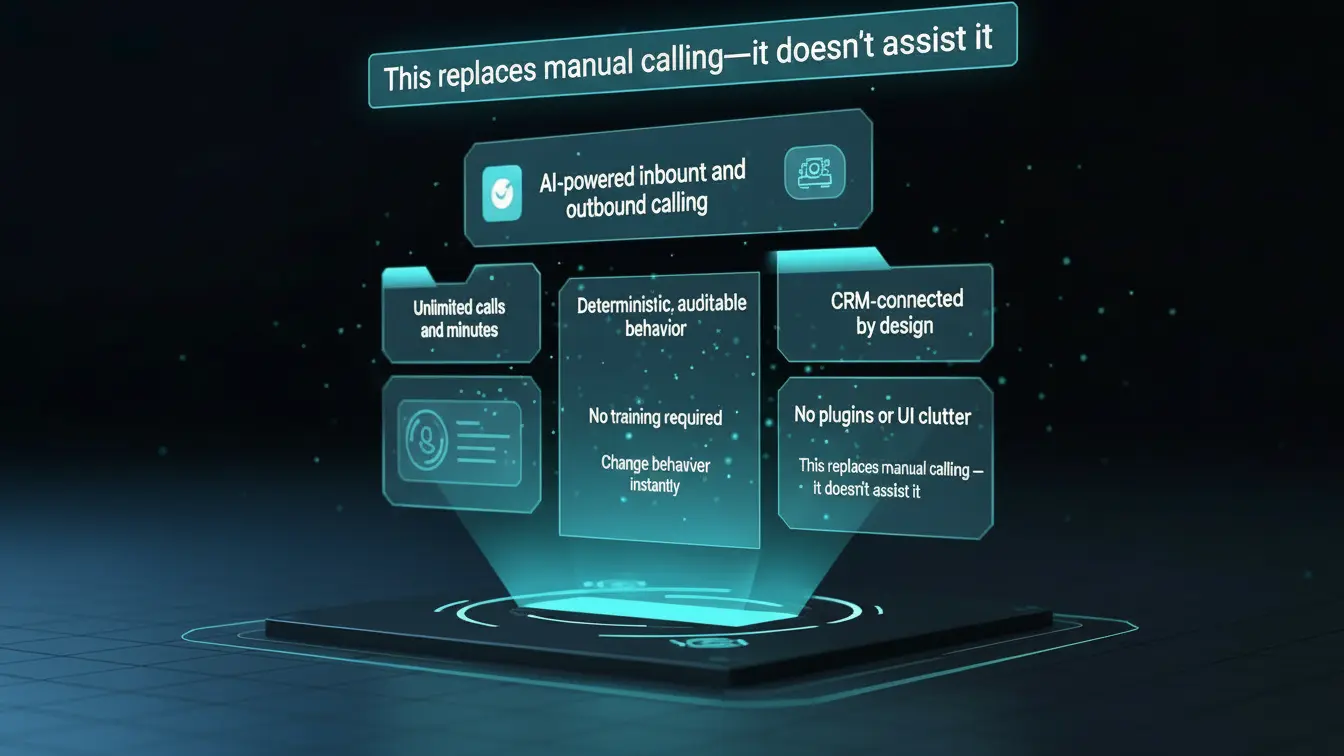
Why not a CRM plugin?
Plugins add buttons. WorkforceSync runs execution and writes results back cleanly.
- Runs outside the CRM
- Keeps the CRM UI clean
- Scales independently
- Unlimited calling behavior
- Deterministic workflows
- Structured CRM writeback
- ✕More CRM UI clutter
- ✕Break risk on CRM updates
- ✕Limited throughput
- ✕Usage-based billing
- ✕Execution still depends on humans
- ✕Harder to audit at scale
Where teams deploy it
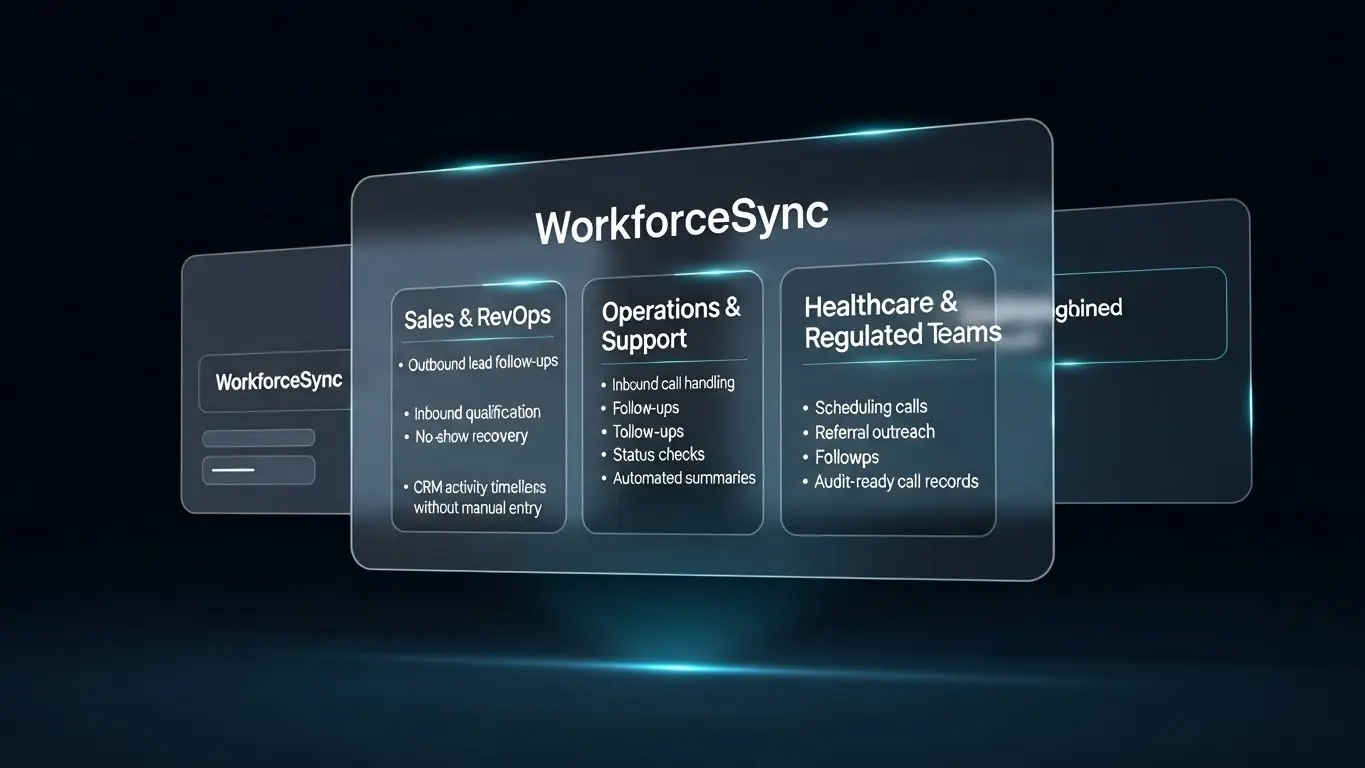
Anywhere execution is repetitive, high-volume, and revenue-sensitive.
Lead follow-ups, inbound qualification, meeting booking — with consistent outcomes.
Inbound handling, callbacks, confirmations — without human dependency.
Status updates, missed-call recovery, consistent dispositions.
Scheduling + reminders, follow-ups, documentation-ready outcomes.
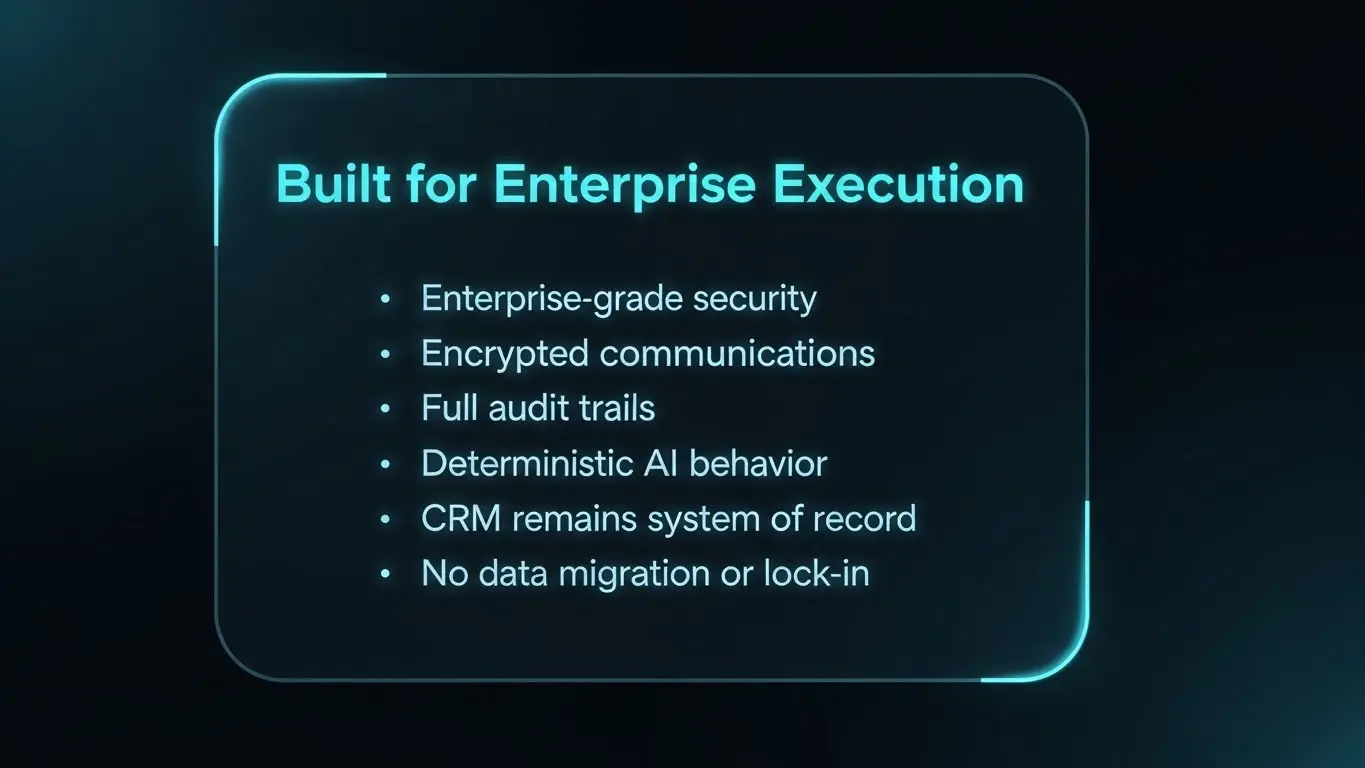
Deterministic behavior, audit trails, CRM as system of record.
Trust and compliance
Secure by design, audit-friendly by default, and configured to stay deterministic.
Enterprise controls
Configurable routing, escalation, and execution rules.
Encrypted communications
Designed to keep data protected end-to-end.
Full audit trails
Clear dispositions and consistent outcomes for review.
FAQ
Short answers. Execution-first.
Can we control the script and workflow? +
Yes. You define the call logic, language, and outcomes. WorkforceSync executes what’s configured and stays deterministic for auditability.
What if a call needs escalation to a human? +
Escalation rules are configurable. If a call needs a human, it can route or trigger next steps, and the CRM is updated with the full outcome.
Does this replace our CRM? +
No. Your CRM stays the system of record. WorkforceSync executes calls and writes clean results back.
How quickly can we go live? +
Most teams go live in hours once the workflow and routing are finalized.
Is it inbound only or outbound only? +
Both. WorkforceSync supports inbound and outbound execution workflows.
Are calls actually unlimited? +
Yes. Plans are designed for unlimited inbound and outbound calling with predictable pricing.
Will it clutter our CRM UI? +
No. WorkforceSync runs outside the CRM and writes results back as clean activity, keeping your CRM interface simple.
Can we start with one workflow first? +
Yes. Start with one workflow, validate outcomes, then expand execution across other stages or teams.
Make calling a system.
Not a task.
WorkforceSync runs conversations automatically and writes back clean outcomes so your CRM stays accurate without manual work.